How to Find Relevant Guest Posting Clients’ Websites Using Google Maps?

Introduction
If you provide guest post services and want to find relevant clients’ websites, you can use Google Maps to find different clients’ sites by searching for a specific company, brand, or product keyword. For example, you can search for “summer dress design in UK to find clothes stores in the UK.
- First, open Google and search for Google Maps in the search bar.
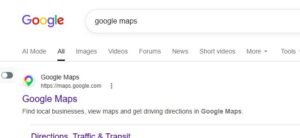
- Open the first site that appears in a new tab.
- The Google Maps home page will appear, and you will see a search bar.
- There, you can also find details of a specific company or search for a brand or product keyword to find different clients’ sites.
- For example, I searched for summer dress design in the UK.
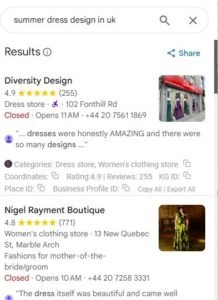
- Now, all the clothing stores in the UK have appeared on Google.
- Open these one by one in new tabs.
- When you open them in a new tab, their website will open.
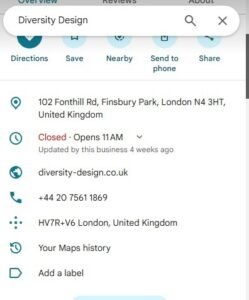
- Go to their website and visit the Contact Us page to get their email.
- Then provide them with your guest post service.
- One thing to be very careful about is that, just as I searched for the summer dress keyword, our guest posting draft should also have sites related to it, so that the client is quickly attracted to us.
End Questions
Question 1: How can you find relevant clients’ websites for guest posting through Google Maps?
Answer: Search for a specific company, brand, or product keyword in Google Maps to find different clients’ websites.
Question 2: Why is it important to have related websites in the guest posting draft?
Answer: Just as the summer dress keyword was searched, the guest posting draft should also contain sites related to it so that the client is attracted to us quickly.