What Is Google Docs? A Complete Guide to Using Google Docs Online for Free
Introduction
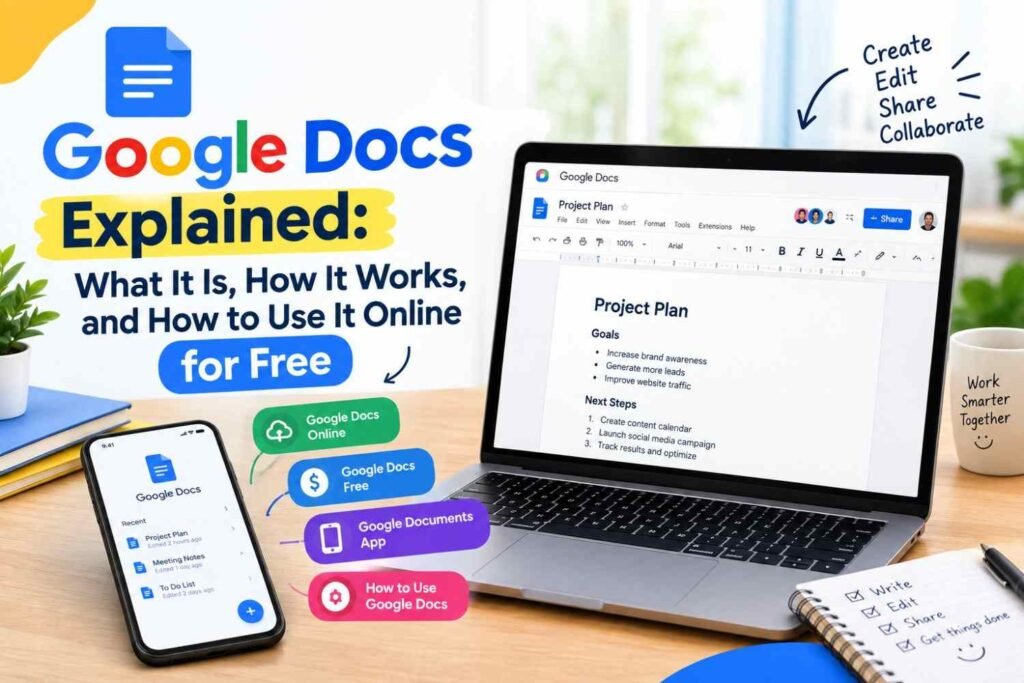
Google Docs is a popular online document editor that allows users to create, edit, format, save, and share documents from almost anywhere. Instead of installing traditional word-processing software on your computer, you can work on documents directly through your browser or mobile device.
Whether you are writing an article, preparing a business document, creating notes, or collaborating with other people, Google Docs provides useful tools for everyday document work. In this guide, we will explain what is Google Docs, how Google Docs online works, whether Google Docs free is available, what the Google Documents app offers, and how to use Google Docs effectively.
What Is Google Docs?
Google Docs is a web-based word-processing tool developed by Google. It lets users create and edit text documents without needing traditional desktop word-processing software.
Documents can be accessed through a Google account and stored online, making it easier to work from different devices. Users can also share documents with other people and work together on the same file.
Google Docs can be useful for students, writers, freelancers, teachers, businesses, and anyone who regularly works with digital documents.
Google Docs Online: Work From Anywhere
One of the main advantages of Google Docs online is that documents can be accessed through a web browser. This means you can work on your documents from a computer without depending on a specific device.
You can create a new document, edit existing content, format text, and share the document with others. Since your work is stored online, you can continue working on a document from another supported device by signing into your Google account.
Create Documents Online
Google Docs makes it simple to start a document online. After opening Google Docs, you can create a blank document and begin writing immediately.
You can use common formatting options such as:
- Headings
- Bold and italic text
- Lists
- Paragraph alignment
- Links
- Tables
- Images
These features make Google Docs suitable for both simple notes and more detailed documents.
Is Google Docs Free?
For many everyday users, Google Docs free access is available with a Google account. You can create and edit documents without purchasing traditional word-processing software.
The free version provides many useful features for writing, editing, sharing, and collaborating on documents. Some additional Google Workspace features may depend on the account or plan being used.
For basic document creation and editing, Google Docs can be a convenient option for users who want to work online without paying for a separate word-processing application.
Google Documents App for Mobile Users
The Google Documents app, commonly known as the Google Docs mobile app, allows users to work with documents from compatible smartphones and tablets.
The mobile app is useful when you need to read, edit, or create a document while away from your computer.
For example, you can use the app to:
- Create a new document
- Edit existing content
- Add or change text
- Review documents
- Share files
- Work on documents from a mobile device
This makes Google Docs useful for people who need access to their documents while working or studying outside the office or home.
How to Use Google Docs
If you are new to Google Docs, getting started is relatively simple. Follow these basic steps.
Step 1: Open Google Docs
First, open Google Docs in your web browser and sign in with your Google account if required.
Step 2: Create a New Document
After opening Google Docs, choose the option to create a blank document. A new document will open where you can start writing.
Step 3: Add and Format Your Content
Type your content into the document. You can use the toolbar to format your text, change headings, create lists, add links, and make other changes.
Step 4: Give Your Document a Name
Give your document a clear name so you can easily identify it later. This is especially useful when you have multiple documents.
Step 5: Share the Document
If you want another person to view or edit your document, use the sharing option. You can choose the appropriate access level depending on whether you want someone to view, comment, or edit the document.
Step 6: Continue Editing Your Document
You can return to your document whenever you need to make changes. Your online document can be accessed again through your Google account.
Why Use Google Docs?
Google Docs is useful because it combines document creation with online access and collaboration.
Some of its key benefits include:
Easy Online Access
You can access your documents online instead of keeping everything limited to one computer.
Simple Collaboration
Multiple people can work on the same document, making it useful for teams, projects, and shared assignments.
Easy Sharing
Documents can be shared with other people without necessarily sending the entire file as an email attachment.
Useful Formatting Tools
Google Docs provides common tools for creating well-structured and professional-looking documents.
Mobile Access
The Google Docs mobile app makes it possible to work with documents from compatible mobile devices.
Google Docs for Students, Writers, and Businesses
Google Docs can be used in many different situations.
Students can use it for assignments, notes, and group projects. Writers can use it to draft articles and other written content. Businesses can use it for reports, proposals, documents, and collaboration.
Freelancers can also use Google Docs to prepare content and share documents with clients. Its online nature makes it convenient when several people need to review or edit the same document.
Final Thoughts
Google Docs is a practical online document tool for creating, editing, sharing, and collaborating on documents. With Google Docs online, users can work from different devices, while the Google Docs free option makes basic document creation accessible to many users.
The Google Documents app also provides a convenient way to work with documents on mobile devices. If you are learning how to use Google Docs, starting with document creation, formatting, naming, and sharing is a simple way to become familiar with the platform.
Frequently Asked Questions
1. What is Google Docs used for?
Google Docs is used to create, edit, format, share, and collaborate on digital documents online.
2. Is Google Docs free to use?
Yes, Google provides free access to Google Docs for many users with a Google account. Additional features may depend on the account or Google Workspace plan.
3. Can I use Google Docs on my phone?
Yes. You can use the Google Docs mobile app on compatible smartphones and tablets to create, edit, and access documents.