Introduction
Finding Guest Posting and SEO clients does not always require paid tools or complicated strategies. There are several platforms where you can find companies that may need digital marketing, SEO, link building, and Guest Posting services.
Thank you for reading this post, don't forget to subscribe!How Can You Find Guest Posting Clients Using G2?
- First, open Google and search for G2.com.
- Open the first website in the search results. The G2 homepage will open.
- If you are a new user on G2, log in with your email ID.
- After logging in, you will see a search bar.
- In the search bar, search for the type of clients you want to find.
- For example, I am searching for digital marketing.
- You will see many digital marketing companies in the search results.
- Open the companies one by one in new tabs.
- Visit the company’s website and go to the Contact page.
- Find the company’s email address from the Contact page.
- Send your guest posting draft to that email address.
- If you cannot find the company’s website on its G2 page, simply search the company name on Google and find its website.
Question 1: What should you search on G2?
Answer: You should search for the type of companies or clients you want to find. For example, if you want digital marketing clients, search for “Digital Marketing” on G2.
Question 2: What should you do after finding a company?
Answer: Open the company’s website, go to the Contact page, find its email address, and send your guest posting draft.
How to Find SaaS Clients Using Capterra?
- First, open Google.com and search for “Capterra.”
- Open the Capterra website and type “Digital Marketing” into the search bar.
- Press Enter and you will see many SaaS companies and software websites.
- Select a company from the results and copy its company name.
- Open Google and search for the copied company name.
- Find and open the company’s official website.
- On the official website, look for the Contact Us page.
- If you find a business email, copy it. If there is no email, use the contact form.
- Contact the company and offer your Guest Posting, Link Building, and SEO Services.
- Repeat the same process with other companies listed on Capterra to create a list of potential SaaS clients.
What Do We Search on Capterra?
We open Capterra and type “Digital Marketing” into the search bar. We can also search for any other keyword related to software or SaaS.
What Do We Get After Searching?
After pressing Enter, we will find many SaaS companies and software websites related to our search.
How Do We Find Their Official Websites?
Instead of opening every company one by one on Capterra, we simply copy the company name and search for it on Google. This makes it easy for us to find the company’s official website.
What Do We Do After Finding the Website?
Once we open the official website, we go to the Contact Us page. If an email address is available, we can contact the company directly. Otherwise, we can use their contact form.
What Do We Send to the Client?
In the email or contact form, we share complete details about our Guest Posting, Link Building, and SEO services and offer our services to the company.
What Is the Final Strategy?
This way, we can use Capterra to find SaaS companies and directly approach them with our Guest Posting and SEO services.
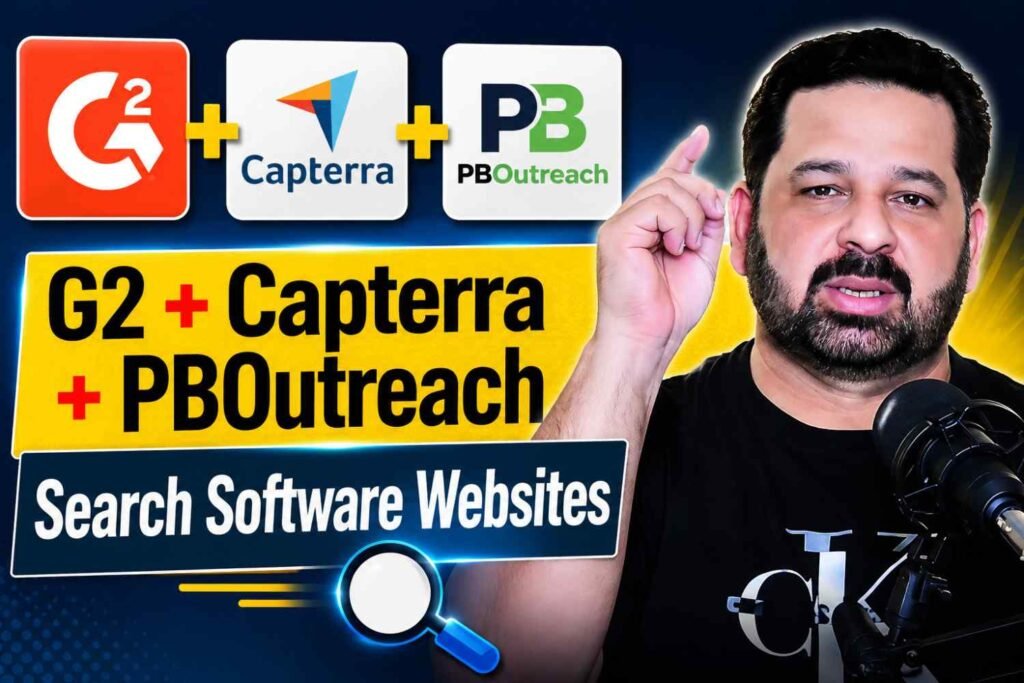
How Can You Use PBOutreach to Find Websites and Earn as a Publisher?
- First, go to Google and search for PBOutreach.
- Open the PBOutreach website, and its home page will appear.
- There are two benefits you can get from PBOutreach.
- You can use PBOutreach to find websites for your clients.
- If you have good-quality websites, you can also create a Publisher account and add your websites there.
- You can earn good money by adding your websites as a Publisher.
- The complete method will be mentioned in this article.
- If you want to work as a Publisher, an image has been added here showing how to fill out the form and create your account.
Question 1: What are the two benefits of using PBOutreach?
Answer: You can find websites for your clients, and if you have good websites, you can add them as a publisher and earn money.
Question 2: How can you create a Publisher account?
Answer: You can create a Publisher account by filling out the required form and adding your websites.
Frequently Asked Questions
1. How can you find Guest Posting clients using G2?
Answer: Search for your target service or industry on G2, such as “Digital Marketing.” Find relevant companies, visit their official websites, go to the Contact page, and reach out to them with your Guest Posting, Link Building, or SEO services.
2. What should you search for on Capterra?
Answer: Search for software, SaaS, or industry-related keywords such as “Digital Marketing.” Capterra will show companies and software websites related to your search that you can approach for SEO and Guest Posting services.
3. How can you find a company’s website from G2 or Capterra?
Answer: Copy the company name from G2 or Capterra and search for it on Google. Open the official website and visit the Contact Us page to find an email address or contact form.
4. How can PBOutreach help with Guest Posting?
Answer: PBOutreach can help you find websites for your clients. You can search for suitable websites and use them for Guest Posting, Link Building, and SEO campaigns.
5. How can you earn money as a publisher on PBOutreach?
Answer: If you own good-quality websites, you can create a Publisher account on PBOutreach and add your websites. Clients can then find your websites for their Guest Posting requirements, allowing you to earn money from publishing Guest Posts.